Request a demo
Tell us about your organization and we will schedule a 20-minute walkthrough tailored to your communities. A demo is the start of access — not a self-serve account.
- Dashboard — schedule, action items, engagement queue
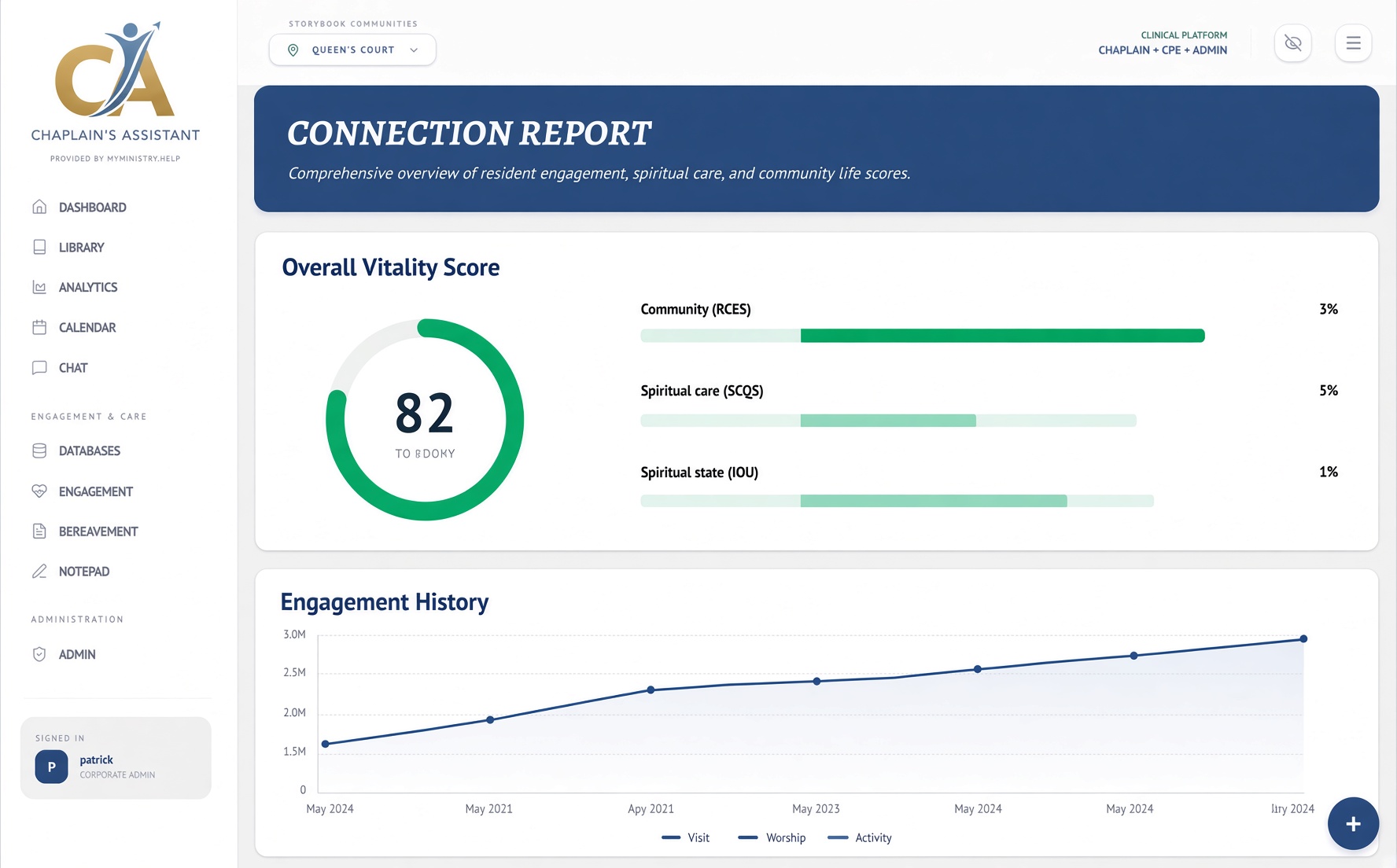
- Connection report — resident profile and visit history
- Engagement — referrals and vitality-driven outreach
- Admin — documentation policy and approvals
How organizations get access
- 1. Request a demo. Tell us about your communities. We walk through dashboard, connection reports, engagement, and admin policy in about 20 minutes.
- 2. Complete agreements. Your church agrees to our terms of service before any production workspace is opened.
- 3. We provision your company. The platform owner creates your tenant only after agreements are complete. Your corporate admin then receives the first login.
- 4. Your admin invites the team. Workforce accounts are created inside Admin — never from this website. Each person sets a password, enrolls an authenticator, and finishes essential settings on first login.